

Talking tech today - of a different kind!
Last week, I got to meet up with Christy Price, one of my web-design heroes.

With the lovely Christy!
She was over in the UK for a while (she lives in the States) and we had a very chatty two-hour coffee over some enormous almond croissants (I should have taken a pic but I was too busy stuffing my face).
During the call, we got talking tech (obvs). Christy is way more knowledgeable and experienced than me (like I said: a web design hero!). So I was squeaky excited when she recommended several pieces of software to me that I had not only never used, I’d never even heard of.
It was SO helpful, and got me thinking that perhaps I should do the same?
I am always interested in peering behind the curtain to see how other creatives run their businesses.
So here we are: my top 5 business tools as an author and web designer.
I could not do my job(s) without these!
Please note I am an affiliate for both Squarespace and Scrivener, so I earn a small commission from any referrals.
Without further ado, let me wax lyrical about my favourite business buddies!
First up: the mothership: Squarespace
Of course, I have to start with the most obvious one.
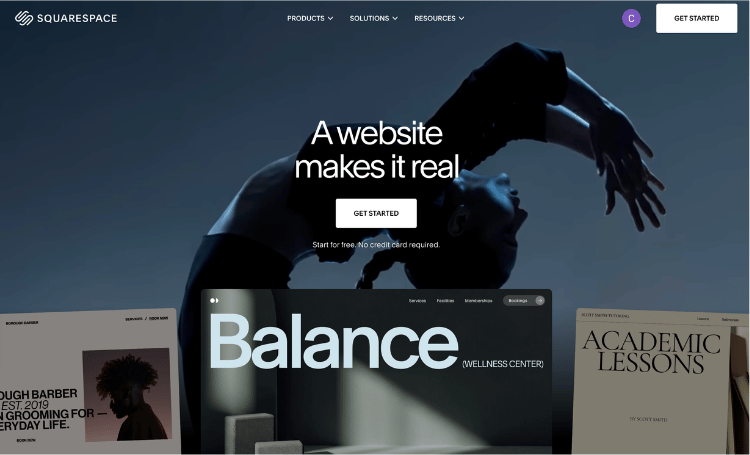
In case you aren’t already aware, I am a Squarespace website designer. So clearly, I love Squarespace for its website platform.
I have two Squarespace websites of my own: this one and my own author one.
You can take a look at that here →
But not only do I use Squarespace for my websites, I also use it for a ton of other things related to my business.
And they are ALL managed through the same platform I use to manage the content on my website.
Including:
My newsletter - Squarespace has a fab system, Campaigns, built into the system. This means I can send newsletters and manage my mailing lists directly from inside Squarespace. While Campaigns is not as sophisticated as other dedicated newsletter platforms, it’s totally fine for my needs and I really appreciate the simplicity of it all. It’s also fantastic for authors! I recommend it to all my author website clients. You can find out more about why here →
My courses - Squarespace also offers full course-hosting functionality. I run two courses directly from within Squarespace: my DIY Author Website Course and my DIY Newsletter Course. Both are tucked away inside my website’s back-end, meaning I can manage them with ease. I love how simple it all is and the fact that the branding of my website is carried over beautifully to people taking my courses. Again, it’s just super simple to use. When I launched my courses, I did look into hosting them on a dedicated course platform but the cost was so high and the thought of having yet another piece of software to manage put me off. I was so excited when Squarespace launched their course and memberships stuff. They also offer the opportunity to paywall your blog - which I haven’t yet done - but there are lots of ways to get creative with your author website by offering additional services to make it pay its way.
Scheduling - using Squarespace’s integration with Acuity, I have a private calendar that is only visible to my past clients. Through this, they can book in some time with me - and pay a deposit - to work on their websites. Again, all handled through Squarespace.
My email account - my work email is all done through Squarespace’s integration with Google Workspace.
My billing and invoicing - I use Squarespace to handle all of my invoicing, which means that I can literally log into my website at any time and see where I’m at financially. It’s super slick and easy and means that all my invoices are branded exactly the same as my website. Also, it’s free? I do not have to pay any extra for this, it’s all included in my annual Squarespace plan.
My contracts / CRM - again, I use Squarespace’s ‘Projects’ functionality to manage all my proposals and contracts. My clients can view and ‘e-sign’ contracts directly and I get informed when they do.
Phew! As you can see, I get a LOT out of my Squarespace website (this one in particular).
Cost: All for the bargain price of £600 per year
Next, my cannot-write-without tool: Scrivener
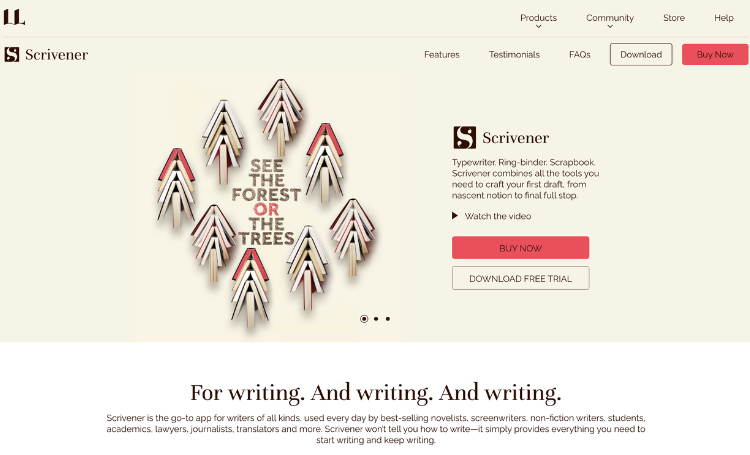
I recently wrote a comprehensive blog post on Scrivener so I’m not going to repeat myself here, except to say that I am still absolutely BAFFLED by anyone who uses Word to write a novel.
You’re all mad.
Find out more about my deep love affair with Scrivener here →
Cost: £55 for a perpetual licence
My secret weapon: Loom
OK so this one may soon be redundant as Christy introduced me to an alternative to Loom called Fathom which I am excited to try out.
But for the past seven years, Loom has been a constant companion to my work.
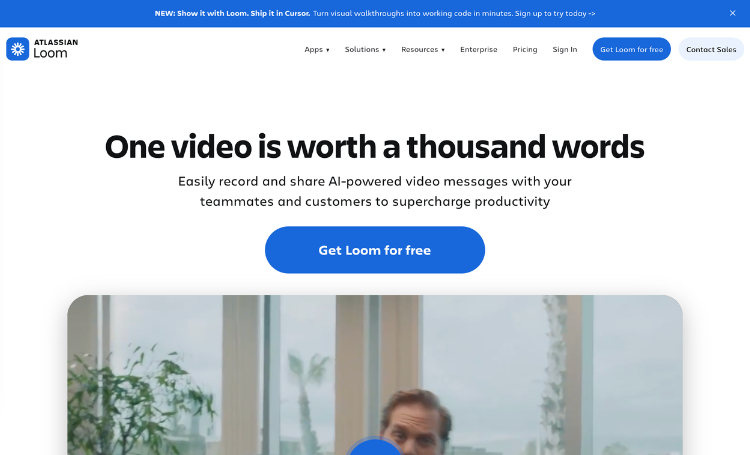
If you’ve never heard of it - it’s basically a screen recorder that allows you to talk and record your screen at the same time.
Sounds a bit basic but it’s incredibly useful when you’re a web designer and you want to explain something to one of your clients.
I use it every day to respond to emails and technical questions. It saves me a heap of time rather than having to write out long complicated emails and is much easier for my clients - who get a visual walkthrough answer to their question.
Also, the number of replies I get back from clients saying ‘oh wow that video was so helpful!’ is insane. Brings a smile to my face every time.
It’s also very easy to use with a built-in Chrome extension.
Cost: I am on the Business plan and it costs me $150 per year

The creative companion: Canva
For a long time in my web design business, I still had Adobe Creative Cloud. But it’s expensive, slowed down my computer and I only ever used it for the most basic of functions.
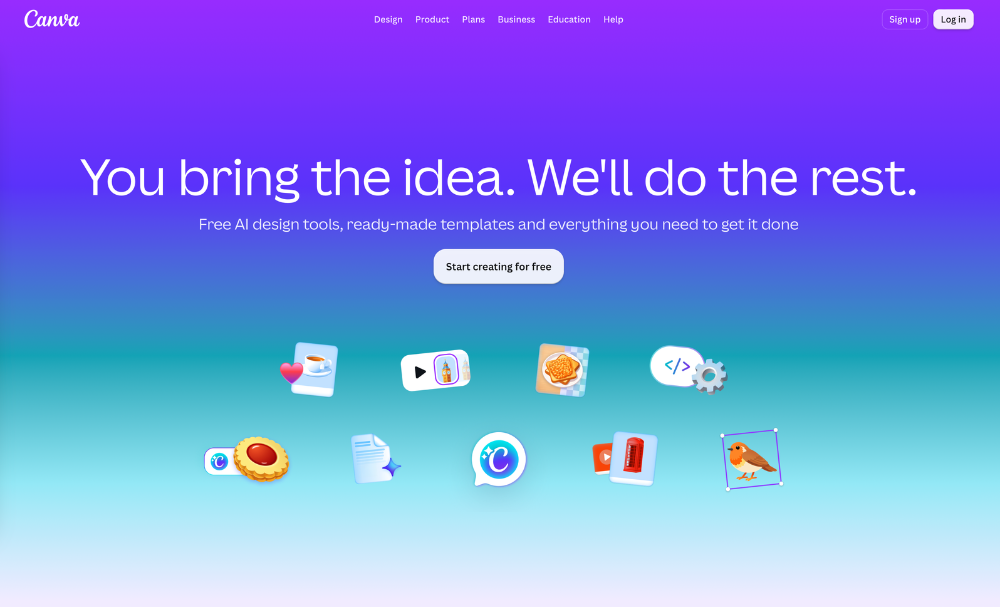
I soon realised that I could use Canva for pretty much everything I needed Photoshop for.
Canva is excellent and the breadth of what it offers is pretty mindblowing. I am far from an expert (I need to do a Canva course) but again, it’s something I use practically every day, not only in my web design business but also to support my author marketing.
My favourite feature is the background remover tool. Genius (and SO useful)!
Cost: I am on the Canva Pro plan and it costs £100 per year
The boring one: Google Drive
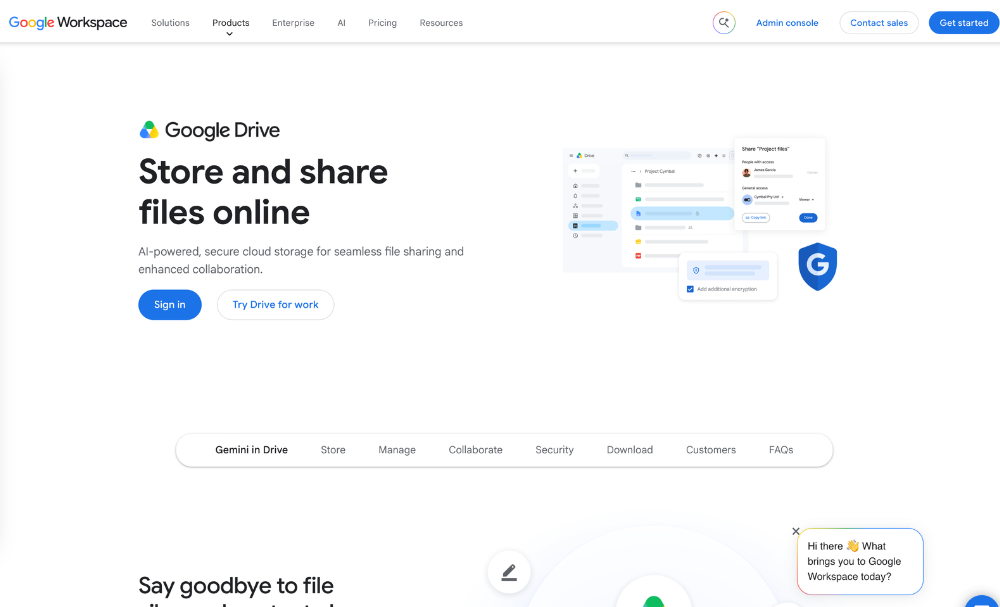
I’m not a massive fan of Google Drive but it’s included in my Google Workspace account, and so I do use it to write blog posts as well as for all my spreadsheets and boring business admin stuff.
I also use it as a place for clients to share their files with me in private folders. This stops my Inbox being clogged up with images and client assets, and is cheaper than using a separate system to manage client info.
Even though I know there are more sophisticated tools out there - such as Asana - I actually think the fact that Google Drive is easy for my clients to use is also a benefit. One less thing to get your head around is always a good thing!
Cost: £84 per year

Honourable mentions:
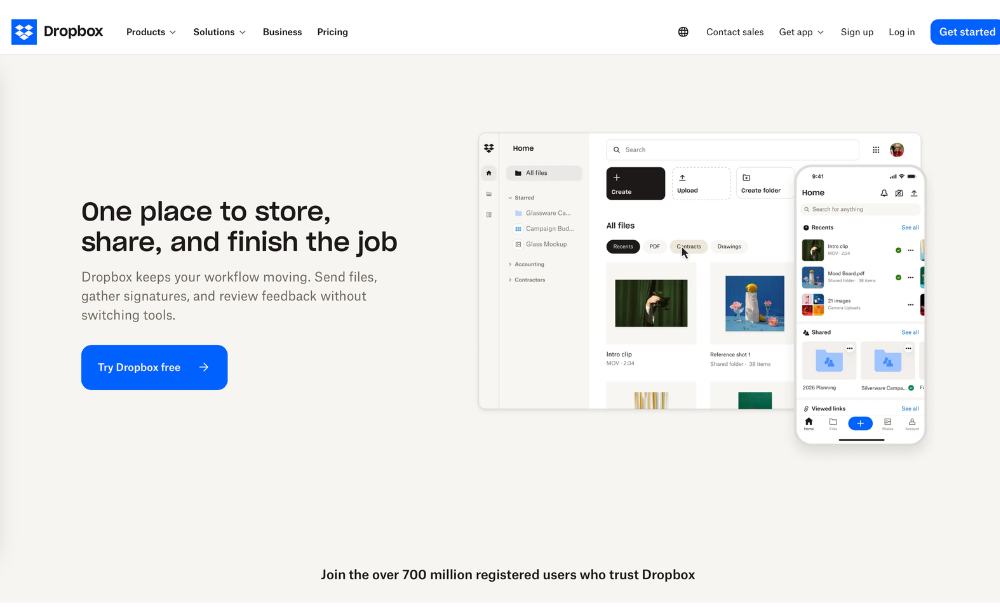
I still have a Dropbox account, and I use this as my main back up for all my files. I should probably cancel it. It’s expensive and I don’t really need it as I have Google Workspace.
But it’s got all my old stuff on it, going back years, and as someone with three computers, it makes my life a lot easier (I don’t save anything to my actual computers’ hard drives).
Cost: £144 per year
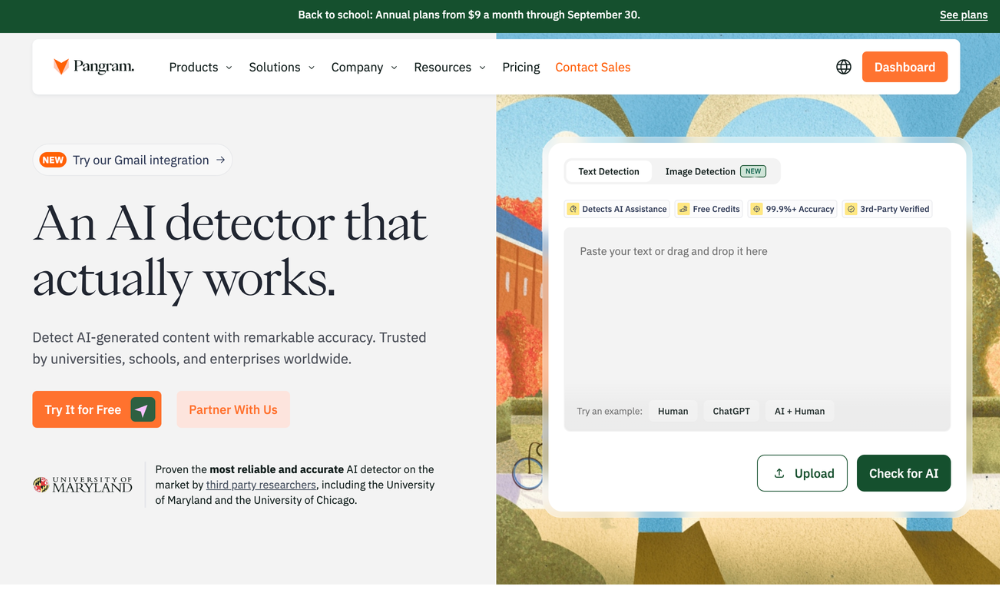
My current obsession! I am still using the free account but I’m tempted to upgrade to the paid version because I get very frustrated when I’ve used up all my credits for the day.
For those not in the know: Pangram is an AI detector. It scans AI text (and images, although I don’t use it for that) and gives you a really interesting report on whether or not AI was used.
I find it absolutely fascinating (and slightly disheartening). I know there’s been a lot of noise about whether or not it’s accurate, but having tested it EXTENSIVELY myself on some sample content I used AI to create, it has always proved to be scarily accurate.
I have no idea how it knows when things are written with AI, but it does!
Cost: I’m using the free plan
Conclusion
I am sure I have probably forgotten something, and as I started writing this, I was reminded of a ton of other smaller apps I use.
But these are the main ones, and I literally couldn’t do my jobs without them.
There is one other thing I use all the time too…
A paper to-do list.
I have this one from Amazon (cheap and cheerful) and after trying all the fancy-pants bullet journals and diaries and planners, it’s the only one that ever stuck.
Nothing can beat the analogue feeling of crossing something off a paper to-do list! Am I right or am I right?!
You might also like:
